Simulink models#
simulink.write_model writes the MATLAB scripts that build a Simulink model of the system. The model has the same structure as the PLECS model, built from basic Simulink blocks (no toolboxes needed):
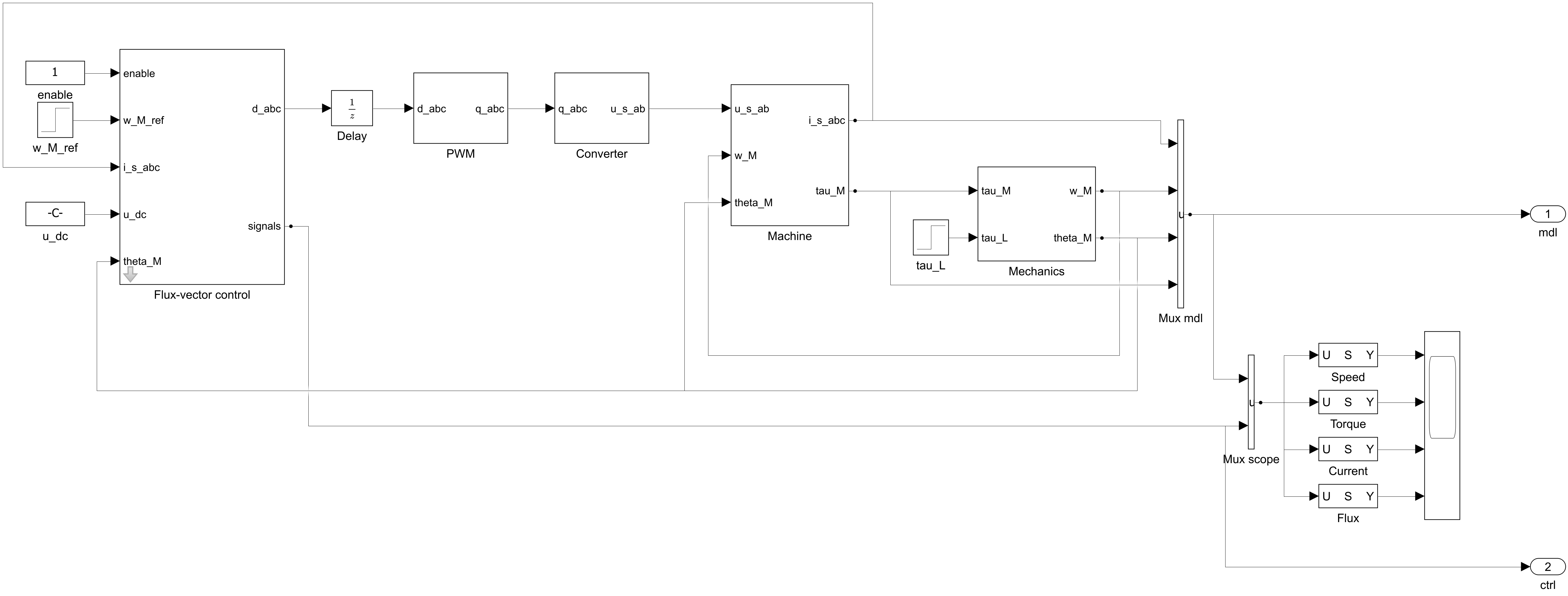
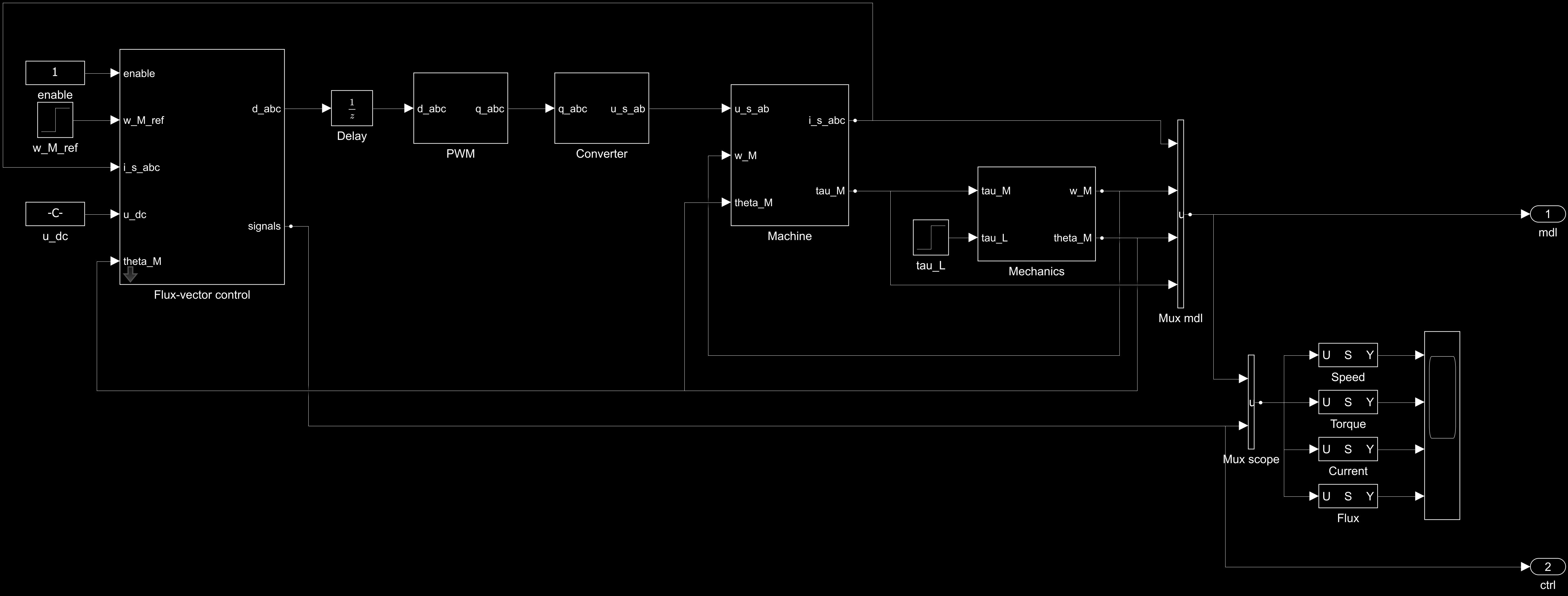
Simulink model written by examples/pmsyrm_6kw_gn_fvc_simulink.py. The output ports mdl and ctrl give the signals for simulating from Python.
Building the model#
simulink.write_model("ipmsm.slx", mdl, ctrl, t_stop=1.2)
This writes, in the folder of the model:
build_ipmsm.m, which builds the model and savesipmsm.slx;init_ipmsm.m, which defines the parameters, as in the PLECS models;the C sources of the blocks of the control system (
sfun_*.c).
Run the build script in MATLAB. It compiles the blocks of the control system into S-functions, so it needs a C compiler. The model runs the initialization script after loading and at the start of each simulation, so a change in the script takes effect in the next simulation.
MATLAB Function blocks#
Without a C compiler, write the model with MATLAB Function blocks:
simulink.write_model("ipmsm.slx", mdl, ctrl, t_stop=1.2, code="matlab")
The blocks then run a MATLAB port of the same control code, and the model contains their code. The results are the same as with the S-functions, to the rounding errors.
Simulating from Python#
With the MATLAB Engine API for Python, simulink.simulate builds the model and simulates it:
import numpy as np

t_eval = np.linspace(0, 1.2, 1201)
mdl_signals, ctrl_signals = simulink.simulate("ipmsm.slx", t_eval, mdl, ctrl)
Good to know#
The build script refers to the files of the installed package by a path relative to the folder of the model. If you move the files or update the package, write the model again.
A compiled S-function stays loaded in MATLAB after its model is closed. Run
clear mexbefore rebuilding a model that was open.The Simulink models support fewer configurations than the PLECS models, e.g., no dead time or DC-bus dynamics, see Supported systems.
The system model does not block the gates, so the gate enable (
ctrl.set_enable) must be 1. The exported control system still has the inputenableand runs in standby while it is zero, e.g., when the control code is reused on hardware.